How do you change a feedback on the new site ?
Answered
Recently I sold an item & I refunded the buyer the excess payment they made as they chose the rural option rather than urban.I emailed them & told them I had done this & that I had booked a courier for the next day to pickup their package.Anyway not long after the courier picked up I received a negative feedback as they confused my refund as a full refund & I wasn't sending their item ! Anyway I let them know that they made a mistake even though they should have known a courier had picked up as the booking confirmation with tracking details is sent automatically.They eventually emailed me to say they made a mistake & would like to change their feedback but can't on the "new improved" site ! How can you do it please (somebody) on the mobile site ?
-
 S Community SuperuserEdited
Kia Ora Phil,
Great your Buyer has realised their mistake & wants to correct their feedback for you,
These are the Help File instructions for editing feedback which include all ways per device being used to access the site & How to edit feedback from the Seller's feedback page as well...
Managing feedback as a buyer – Help - Trade Me
If your Buyer doesn't have the Edit Feedback function following the Help page instructions they will want to type TradeMe.co.nz into their device (mobile) Browser to pickup the Desktop site - from the Desktop site if going through their Won items Listing itself Or the Seller's feedback page doesn't give them that edit feedback option the following Post has 3 different ways to get to the Classic (Old) Desktop site where the Edit & Delete Tabs are...
Changing Feedback – Help - Trade Me
All the Best!
0 -
S Community Superuser
Kia Ora Phil,
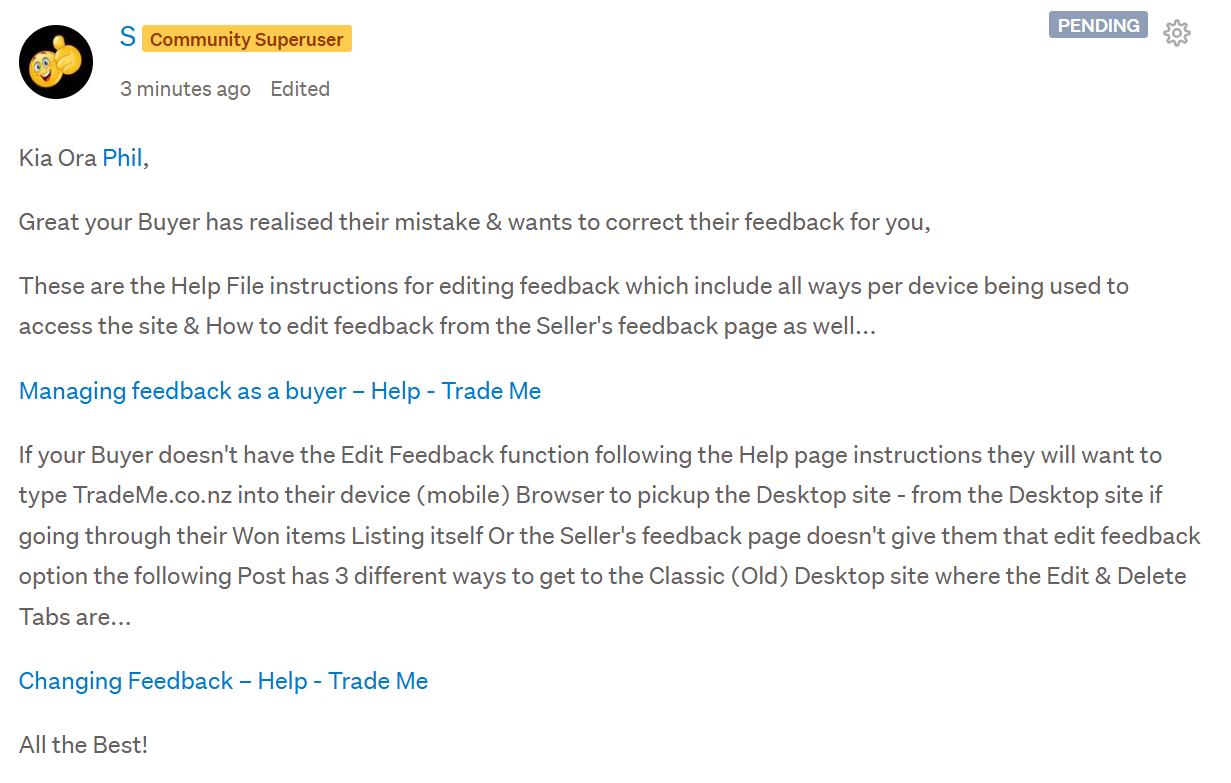
My Comment for you has gone into Pending Status awaiting a TradeMe staff member to clear - Meantime this is how it reads & you'll be able to copy the Links Or permalink these instructions into an email to your Buyer once it's cleared from Pending - Cheers.
 0
0 -
Thanks for your help.Once it's stop pending I'll copy & paste these links & will send to the buyer.I managed to work it out myself in the end & sent instructions to the buyer but I suspect the buyer won't understand as they're new to this site & going by the feedback they gave me might struggle to comprehend !
0 -
S Community Superuser
Cheers Phil,
If they get Lost point them toward direct assistance from a staff member as below...
To contact a staff member if you select 'Contact us' at the very bottom of any TradeMe page the Live Chat Bubble will Pop up in Blue at the bottom Right of your Landing page screen, enter in the Chat Bot Talk to person below the Bot suggestion texts, next to the paperclip icon, to be transferred through to the staff line.
The Live Chat manned hours weekdays are 8:00am - 5:30pm and weekends 9:30am - 4:pm- Cheers.0 -
 Callum Community Superuser
Yeah it's all too hard for some people to work through. What I tend to do is use the unfair feedback reporting system. Get the buyer to confirm they want to delete the feedback via email. Screenshot that email and send it to Trade Me to alter or delete the feedback.
2 -
Thanks Callum.Looks like I will have to try & change/delete the feedback doing it your way as the buyer is now ghosting me.Going by the incoherent feedback + the email I received from them there's no chance they'll be able to work out how to do it by using the instructions my fellow members have sent me.I have sent them a couple of emails with basic ways of doing it but I haven't heard back.
0
6 comments
Date
Votes