Adding TradeMe to MS Authenticator App

I've bought a new G5 smartphone and installed MS Authenticator on it.
I use multi-factor authentication in TradeMe I need to add TradeMe to the list inside Authenticator. In order to do that Authenticator displays the following message:
"Your account provider will display a QR code" which it wants to scan.
My question is where do I find the QR Code for TradeMe?
Thanks for your help.
-
 S Community Superuser
Kia Ora jackvos,
Your authenticator App will have the QR code to scan for TradeMe - Refer to the Help file below...
Manage multi-factor authentication – Help - Trade Me
0 -
I think we possibly have a misunderstanding here.... Let me clarify the situation I have:
I had set up multi-factor authentication (MFA) on Trade Me using my old phone.
Then I bought a new phone (G% upgrade) and installed Microsoft Authenticator
and the problem is I can't find a way to add Trade Me to it its list - like I had in the old phone.
It seems like the only way to do this is to remove the multi-factor authentication (MFA) on Trade Me and then set it up again from scratch....
The real problem I have (it seems to me) is how to uninstall multi-factor authentication (MFA) on Trade Me and once I have done that I can se it up from scratch and all will be well.
Soooo... How does one uninstall multi-factor authentication (MFA) on Trade Me???Thanks for your support.
0 -
 AJ Community SuperuserEdited
Click on my trademe (top right) then scroll down to "update my details" to find the MFA area. Click through from there to remove. This is on the desktop site
0 -
I followed the suggested procedure of the previous comment....
Below are the screenshots that I see on my desktop: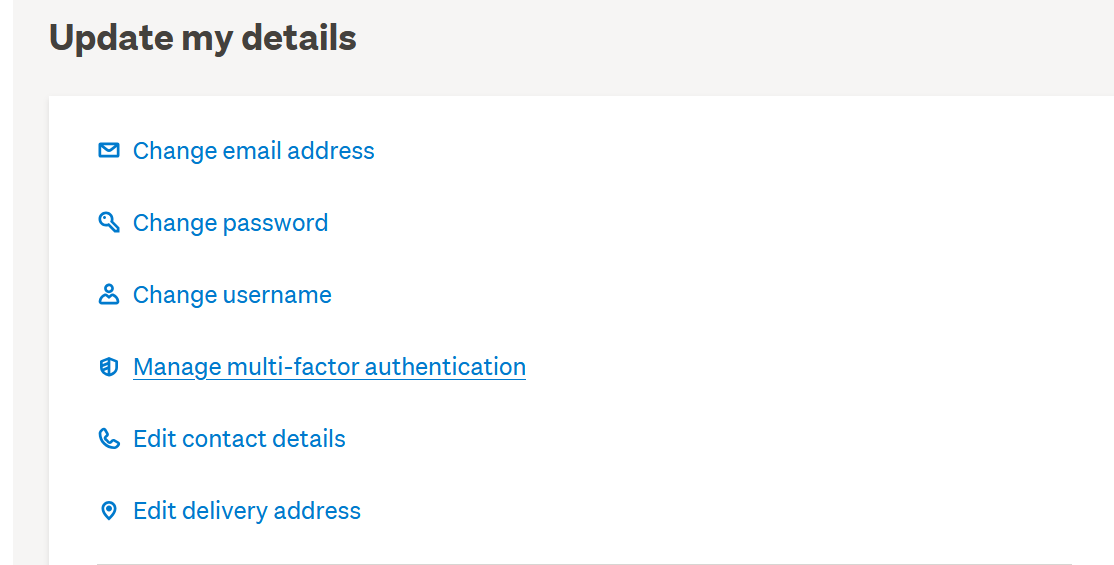
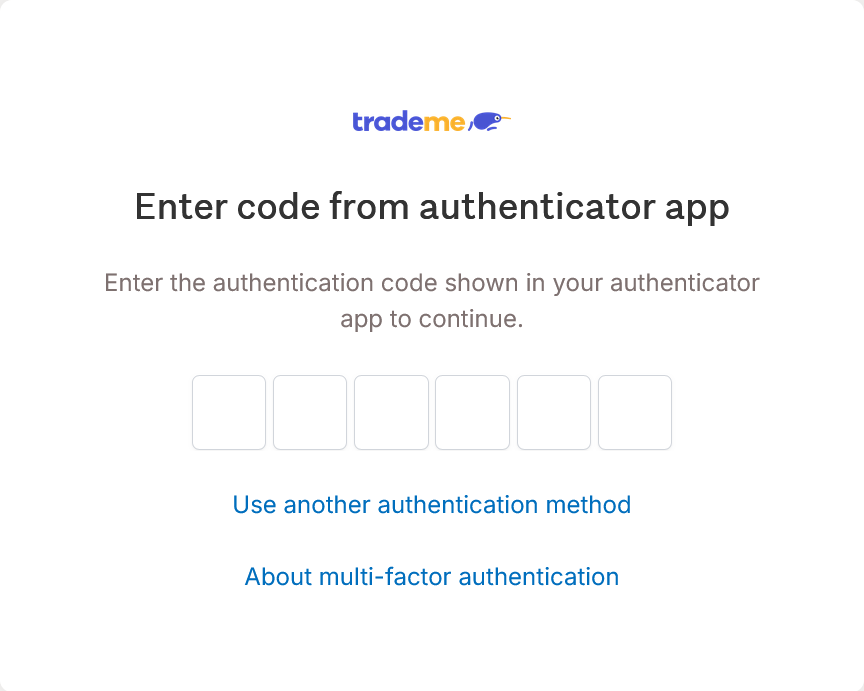
When I click on the option "Manage multi-factor authentication", the following screen appear:
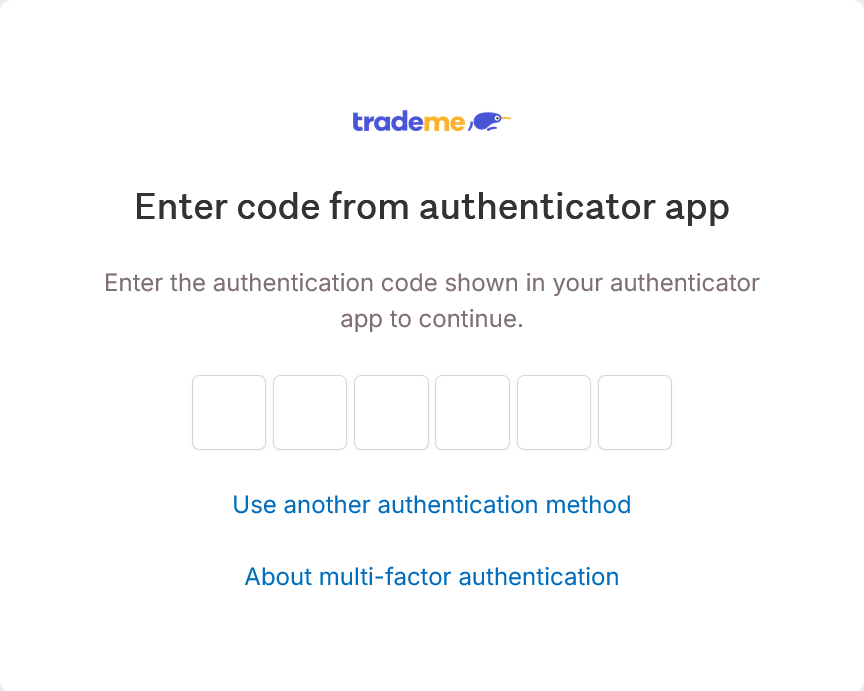
I fail to see an option to remove the MFA ????
PS: Have you actually tried doing this yourself?0 -
AJ Community Superuser
Yes you need to put in your code to continue
0 -
You stated in your comment: "You need to put in your code to continue"
The code you are referring to is the one yo get from the Authenticator App on your mobile phone (which I used to do on my old phone many times.) But as I stated in my first post (please read it again) I installed the Authenticator App on my new phone and it does not include Trade Me in its list! Got it?0 -
S Community Superuser
Kia Ora jackvos,
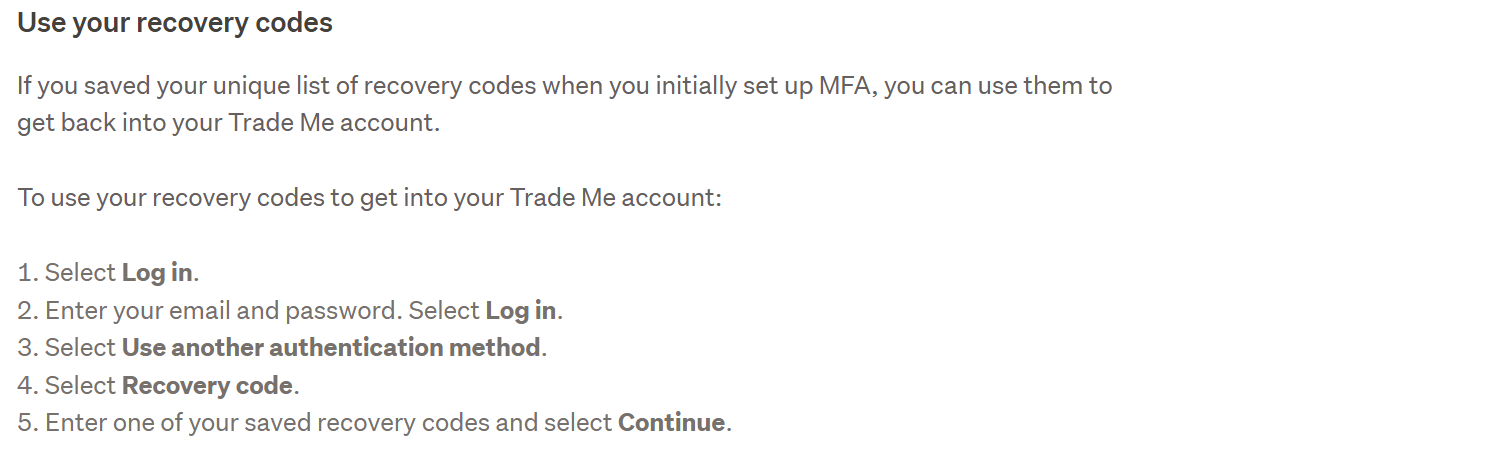
Did you save recovery codes from your old phone setup? You can use one of these recovery codes to login to your TradeMe account via MFA on your new phone, - If you don't have any saved recovery codes that you are able to access & can't login to your TradeMe account via MFA TradeMe staff can reset your TradeMe account for you - contact a staff member directly - All the Best.
0 -
AJ Community Superuser
Your question was how do you remove mfa from Trademe. My instructions is how you do it?.
Can you not get it from your old phone?
0 -
S Community Superuser
 0
0 -
S Community Superuser
 0
0 -
Thanks for the time and effort to provide me with the necessary advice.
I found the necessary information in this link in the Trade Me Help:
https://help.trademe.co.nz/hc/en-us/articles/9059450588303-Manage-multi-factor-authenticationIt has a section titled "Stop multi-factor authentication" which describes the process in detail!
I am just so sorry it took me so long to discover it!
My MFA in Trade Me is working in conjunction with the MS Authenticator on my new phone... At last!
Thanks for your support.
Perhaps it would be a good idea if the Trade Me team would include a link to the above mentioned page on the screen below?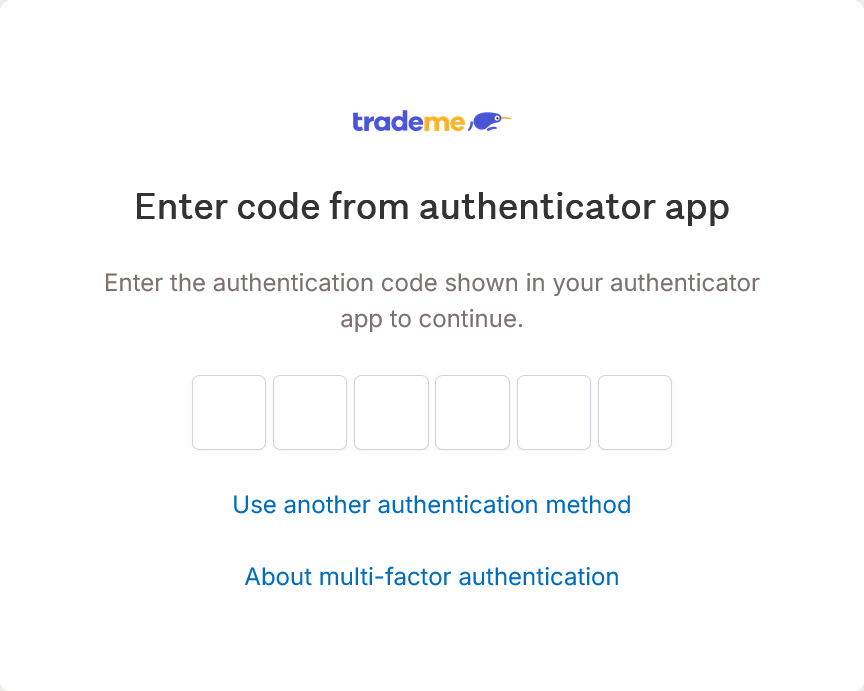
 0
0 -
S Community Superuser
 1
1 -
Hi
I checked your post and you were spot-on! My apologies for missing the last section on how to remove MFA.
One again it proves the old paradigm "If all else fails, read the manual"!
Once again a BIG Thanks for your help and patience! Sorry for all the wasted effort while I was trying to figure it out myself.
Keep up the good work!1 -
S Community Superuser
 0
0
14 comments
Date
Votes