rotating photos
Answered
With the old system on Trademe there was a very useful ability to rotate photos once they were uploaded to the listing and before it went live. Can't do it anymore. Also there used to be the ability to to to drop down menu to last one on the list which was MEMBERS and you could check out what a certain member had as listings. Where can I do that now?
-
 S Community Superuser
Kia Ora struckmestar,
On the Desktop site when you're in your Photo's click, hold & drag the one you want rotated to where you want it placed.
The direct link to the Member profile page is 'https://www.trademe.co.nz/Community/MemberProfiles.aspx'
Otherwise you can get to the Old Desktop site which has the drop down link to Members by selecting My TradeMe top right of page > scroll down the center page to "Update my details" you will have a photo icon at the very bottom of the list which brings up the Old site for you. - Cheers.
0 -
 Callum Community Superuser
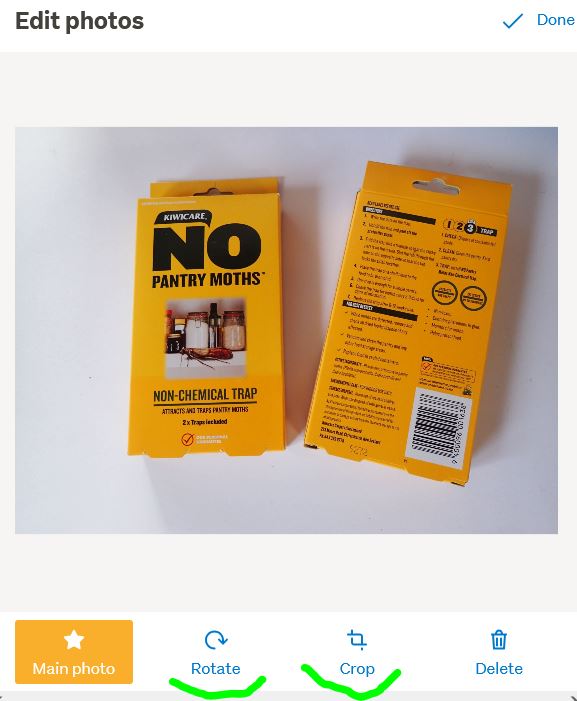
Hello struckmestar. If you mean rotate your exact photo rather then the order they appear in I believe that is something you can't do if you are stuck in the new listing format. For me, you can do it as usual. See attached. You do have to click on the photo to activate it, then perhaps scroll down so the functions are visible.
If you find the edit function is currently missing, the secret is to get your photos correct in the first place on your device. Plenty of advice on that online but it varies widely depending on your device and camera.
 0
0 -
S Community Superuser
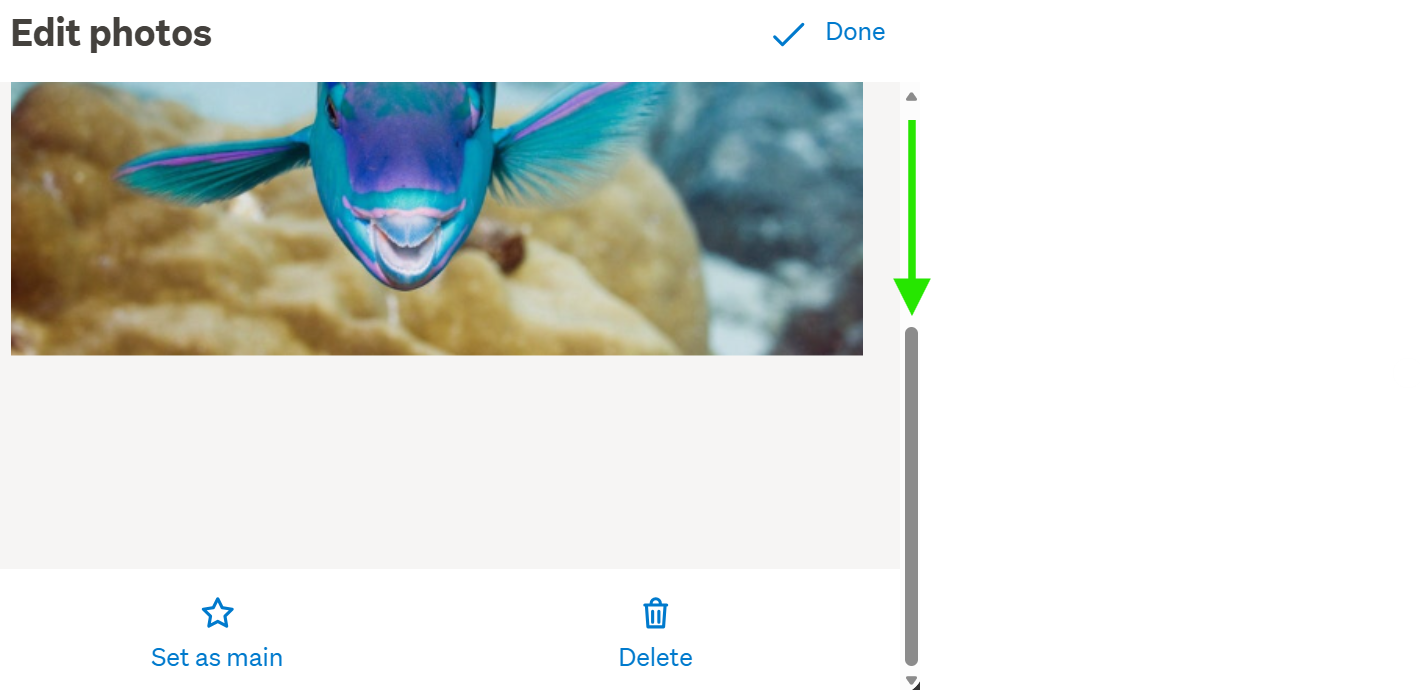
This is the view on the New Look Desktop site - you do have to click on the photo then scroll down to get the functions though only 2 show... - Cheers.
 0
0 -
so there is no rotate or crop button as there used to be?
1 -
Callum Community Superuser
No, not currently if you are on the new listing system.
Do they intend to add it again? Who knows. Perhaps. But probably pretty far down the list of things to do as it's not critical.
There is an option to use Trade Me's free listing tool My Products to list your items. Many photo editing options are available on there. Including a huge range of different crop/rotation and other manipulation tools.
0

5 comments
Date
Votes