Refund via Ping Account $0 - Top Up
Answered
I have a buyer who pulled out of a sale and now requests a refund via Ping account. The Ping balance auto paid into my account so it is currently $0. I topped up My Balances thinking I could then top up My Ping balance (and then complete the refund step). How do I top up My Ping balance?
-
 S Community SuperuserEdited
Kia Ora paulinebt,
Sorry to read your Buyer has pulled out of the Trade,
You are fine to find the Transaction and process the refund, you are automatically refunded your Success Fee & Ping transaction fee back into your TradeMe account, once done you can go through Manage Ping & select to Top up your Ping balance to $0.00 manually Or you can await your next Ping sale(s) in which the payments received into your Ping balance will be used to Top up your Ping balance till it reaches the $0.00 balance. - Cheers.
Reference: Pay with your Ping balance – Help - Trade Me
0 -
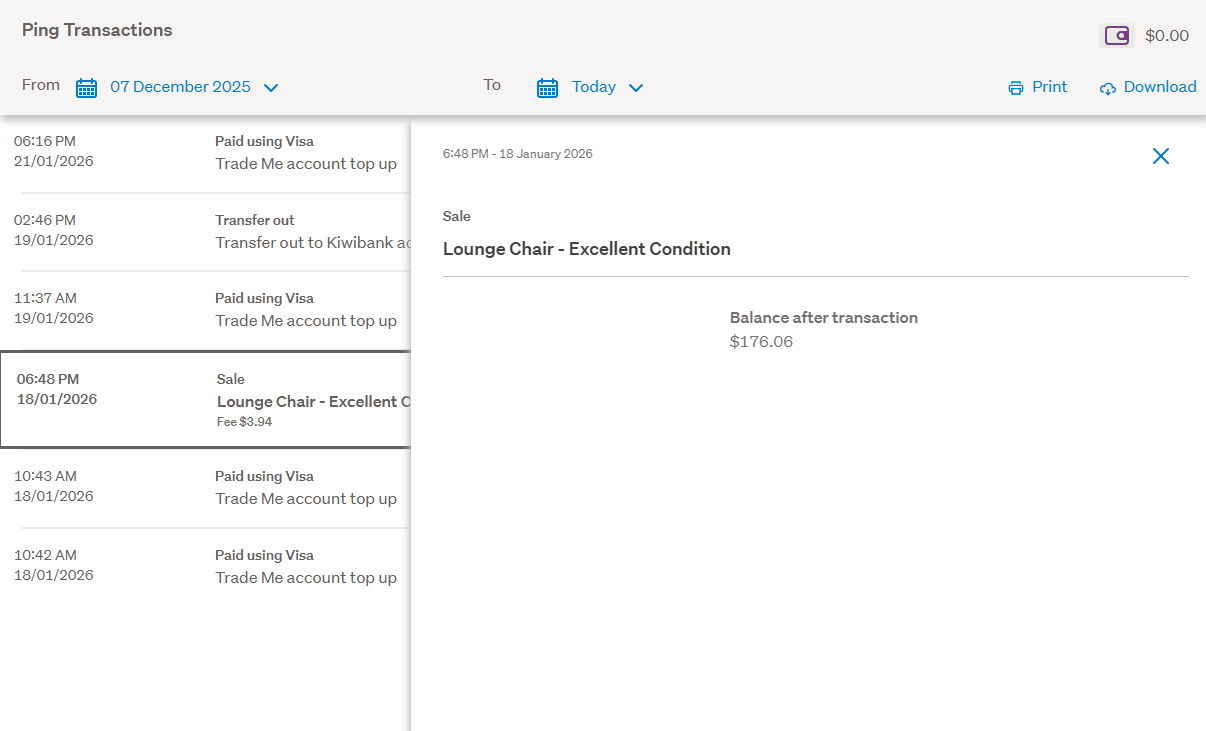
thank you. When I select the sale to 'refund', I can see the button to click on? Am I in the right place?
 0
0 -
S Community SuperuserEdited
Thanks paulinebt,
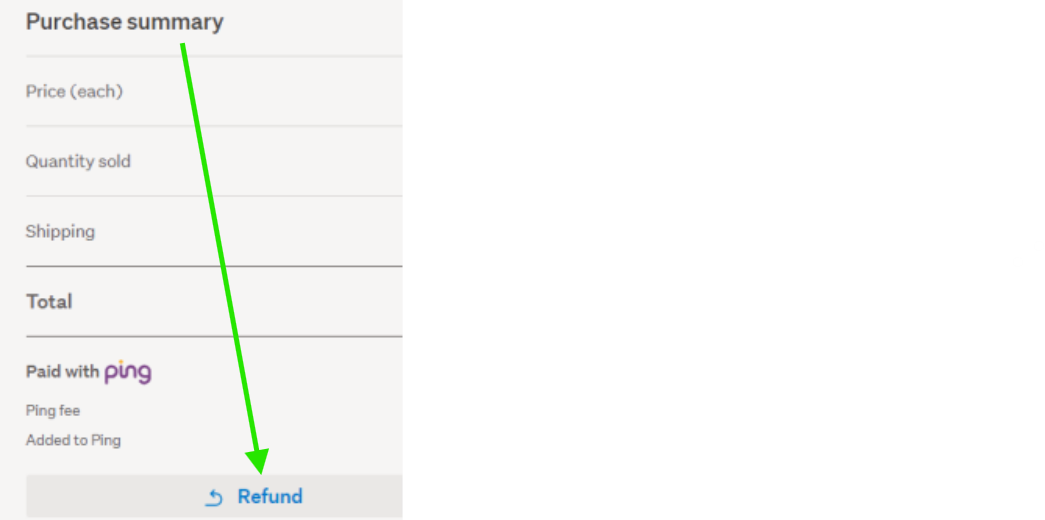
Yes! though you have to come through the Desktop site - Ping refunds can't be processed through either of the Apps as yet. - If you don't see the refund link through the Desktop site this can be done through your Sold items transaction list - selecting Refund from the Purchase summary as below...
Example:
 0
0
3 comments
Date
Votes