Editing payment instructions - trying to change bank account number
Answered
Can’t seem to find where I change bank acc number on advice to buyer after sale, can edit everything else except this
-
 Gary-NZStocked Community SuperuserEdited
Bank account info in your payment instructions that gets sent to a buyer when you sell something is free form text in your Payment Instructions. The link to it is in your My Trademe page, or go straight here.
0 -
 S Community SuperuserEdited
Kia Ora Marilyn,
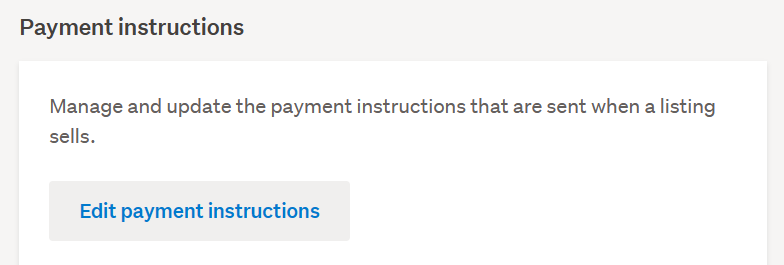
In My TradeMe when you select Settings there is an option 'Payment instructions' under which is 'Edit Payment Instructions' - I am in MS Edge Browser in Desktop view. - This may not be ideal though is a way to access in the interim - Just clicking on the Desktop view at the bottom of any TradeMe page may just work for you - Cheers.
 0
0 -
A payment to me was directed to wrong default bank account in email payment instructions. Buyer trying to recover. Have screenshot of email.
0 -
S Community Superuser
Kia Ora Paavo,
This Bank account number is a free text field which can only be changed manually - Not by the system - Check your Payment instructions first.
When you check / edit your payment instruction Email that gets sent out to your Buyer is this reading the correct default Bank account number of yours?
Or has the Bank account number been changed to a different number? - if it is a different number which is not yours or it is an account number you do not know report this to TradeMe staff asap via their Live Chat facility.
TradeMe staff "Live Chat" hours weekdays are 8:am - 6:30pm and weekends 8:30am - 4:pm
Once you've selected the Contact us Chat Tab you need to give the landing page a count of 15+ seconds for the Chat Tab to Pop up in blue at the bottom right of your screen, there is a slight delay in this appearing. - Cheers.0

4 comments
Date
Votes