I can not delete to change the Tracking Number on the desk top site

I put the wrong tracking number into the Gold Rebate ( I know we don't get that anymore) ii do it so i know tracking numbers to buyers. Anyway I try to delete it, it comes up with "are you sure" and i press ok. It won't delete it. Help please. I try through My Products and it will not let me either.
-
 Callum Community Superuser
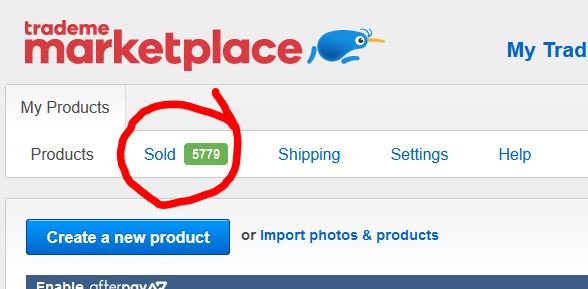
Hi Teresa. There are a couple of ways to input the tracking number. If you go to your Sold page under My Trade Me that's the one that still comes up with the old Gold Trade rebate wording.
If you instead use the Sold tab within My Products it doesn't have that old wording. I would try the sold tab within My Products if the other way is not working for you. I ran a test and delete was working OK for me.
Within the My Products sold tab, there is no delete option, only update. So you would just input the new tracking number there.
 0
0 -
Thanks. I discovered this as well. But when I go to change the second number in My Products it come up with "this number already exists" in pink.
0 -
 Gary-NZStocked Community SuperuserEdited
Hi Teresa, I would try refreshing the page after you have entered the tracking number, then pressing the red cross to delete it. I just did it to one I had manually entered and it deleted fine just now. Strangely enough, the one I tested on was a cart sale of 2 different items and neither show tracking info in My Products sold page. One tracking was an automatically placed one from the courier I used and one was the manual entry I just input as a test on the desktop sold page. I added new test tracking on the My Products sold page and it showed correctly on the desktop sold page along with the manual entry I had done there. I can delete both from there by clicking the red cross, although the test tracking I placed in MP does not show on desktop and now can't be deleted so it's there permanently now. It is possible to delete from within MY though if you click it as if you were going to update it, then delete the existing tracking, click the update button and it's deleted.
0 -
Cheers for the help.
0
4 comments
Date
Votes