New listing not appearing in searches

I listed an item this evening, but it doesn't appear in any related searches.
It appears in the list I'm selling, but doesn't appear anywhere else. I.e.:
- It doesn't appear under "Sellers other Listings"
- Doesn't appear when searching for the title
- Doesn't appear when looking in the category
In fact if I search for the listing number (from anther account) it comes back with "Sorry, this listing is temporarily unavailable"
Any ideas? The listing number is: #4335728423
-
 S Community Superuser
Kia Ora Steven,
I am getting the same as you, there can be a few factors involved here as to why like Confirming your Listing as active or perhaps TradeMe are wanting to obtain further info' first Or do you have enough funds to list if this is required.
A good Post thread to read through of possible reasons and resolves is My Listing is not showing up on the trade page ? – Help - Trade Me
And keep your eye out for an email from TM just incase.
If this is not showing or sorted after going through the various reasons to check & try and you've not heard from TradeMe or another Member with info' in the morning you can contact TradeMe staff via "Live Chat" for immediate assistance with this.
The "Live Chat" hours weekdays are 8:am - 6:30pm and weekends 8:30am - 4:pmOnce you've selected the Contact us Chat Tab you need to give the landing page a count of 15+ seconds for the Chat Tab to Pop up in blue at the bottom right of your screen, there is a slight delay in this appearing. - Cheers.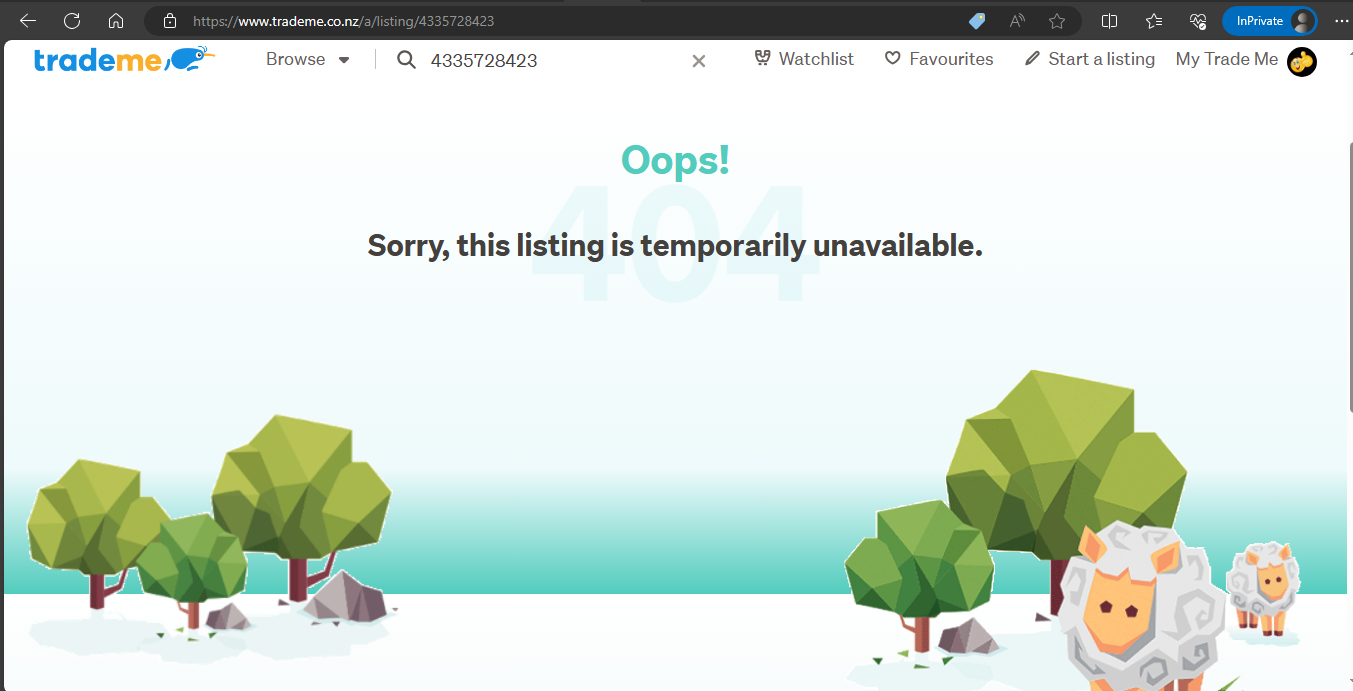 1
1 -
I got a confirmation email this morning of that listing being started in the past 24hrs, plus I had enough funds to start the listing. The issue is still there.
I've sent them an email, but thanks for the tip on using the Chat. I'll try that later today.
0 -
S Community Superuser
Congratulations Steven - your listing is now up and running Live - Cheers 😊
1 -
Awesome, thanks everyone!
1 -
I have the same issue with my most recent listing
0 -
S Community Superuser
Kia Ora Amelia,
Sorry to read that.
What is your listing # so we can check what we are seeing with your one? - Cheers.
0 -
4337718319
thanks0 -
S Community Superuser
Cheers Amelia,
Yes! Confirming I get the same as you, as per pic above.
Keep your eye on emails incase TradeMe are requiring further info' from you. I am aware of security checks taking place. - If you haven't heard from TM or don't see this listed early afternoon you can check in with staff on their Live Chat as per instructions given above - Cheers.
0 -
Listing not appearing in keyword search. Hi all, I listed my Mazda Cx5 for sale last night. I know the listing is live, because there have been views and it’s on a few of watch lists and I can find it when I do specific category searches. But when I type “Mazda Cx5” in as a key word search and select Canterbury as the region, the listing doesn’t display. I’m concerned about this because I feel that’s how people will search on mobile. Can anyone help? Listing number is #4566306056.
0 -
 Gary-NZStocked Community Superuser
If you search for "Mazda CX-5" you will see your listing, as this is what you have in your listing title. If you search for "Mazda Cx5" you won't find it, as you don't have that written in your listing or title. It would be a good idea to add CX5 to your listing if you think that would be what people will search for. Best of luck.
0 -
Listing 5563694790 is not appearing when I search for Lancome Genifique. Have searched Trademe while not logged in and asked someone else to search also. This is not the first time I have complained about Listings not appearing in a search. Come on Trademe, you can do better. We are not here to waste time.
0 -
Is that why there has been almost a million less listings, according to Community/Site Stats, on the site in the past couple of weeks. Or is that total incorrect? Are Listings not actually going Live?
0 -
Gary-NZStocked Community SuperuserEdited
Samantha. This is due to Trademe's category snapping. Most of the Lancome Genifique listings are in the Face care - Moisturisers - Lancome category, where yours is in a different category. When searching, Trademe snaps to the category that has the most matching listings in it. If a searcher wants, they can change categories to just Health & Beauty, then they will find yours.
0 -
S Community Superuser
Kia Ora Samantha,
When searching for the product name, whilst it snaps to the category "Face care - Moisturisers - Lancome" There is a blue link which shows to search all of TM instead - selecting this link your product does come up - under 'Best match' it shows on page 3 for me on the Desktop site. - Cheers.
0 -
I find it extremely concerning and irritating that it is so difficult to search for an item. No wonder people find it so hard to sell on Trademe. Clearly the search facility is useless in some areas. Maybe the site upgrade should have been contracted out.
0 -
Category snapping
Who knew ... Category snapping on Trade Me is an automatic feature where the search algorithm guesses the most relevant category for your search and limits your results to only that category even if you didn't specify one. This can hide listings that might appear in other, potentially more appropriate, categories, leading to missed items for buyers and reduced visibiity for sellers. Users can often manually change the search to "All Categories" to see a wider range of results.
Unfortunately we sellers are unable to change categories on many listings, currently. Very irritating all this especially when you have paid for a listing that does not get a view. Ebay has a sophisticated category finder tool when listing an item. All this explains why overseas stores using Trademe have scores of keywords some of them irrelevant at the beginning of their listings.
0


16 comments
Date
Votes