Unsee other users' listing

How to unsee other users' listings?
I want to filter out others' listings that come up on the search results but I am not interested.
-
 Gary-NZStocked Community SuperuserEdited
You can't unsee something, and you can't filter another members listings from appearing in your searches, but you can choose a location filter so for example if that member is overseas, click New Zealand and you won't see any listings from overseas, other than the ones that show a location as NZ but they don't have the goods here (dropshippers). There are other locations too like North Island, South island etc, but not member spcific unless you use an advanced search and the member you are trying to filter out has their membername or something significant in their listings that you can add a NOT filter to your search.
Eg, if I search for "crystal ball" I get 1245 matches, but if I search for "crystal ball" NOT pendant I only get 1059
-1 -
 kat344Edited
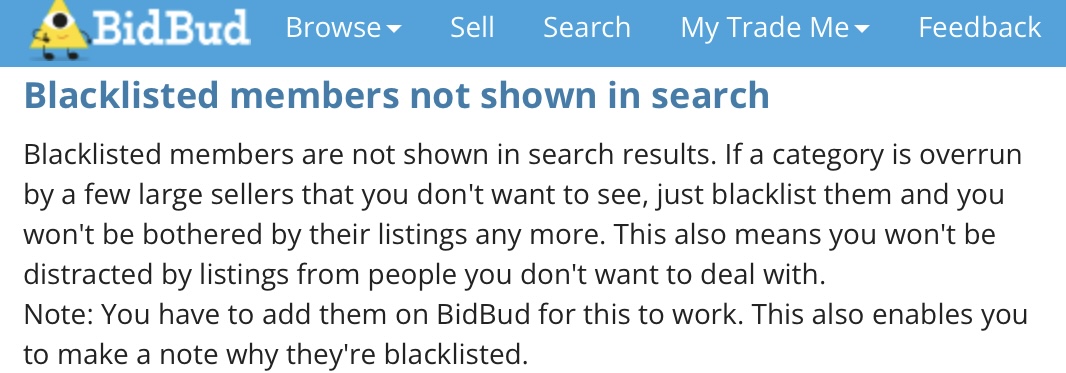
Hi Salomon if you have certain members who’s listings you don’t want to see in your search results you could try using BidBud it has a feature where you can blacklist a member and then that members listings will no longer appear in any of your search results. You do need to blacklist the member using BidBud for the feature to work. Refer to the section “Blacklisted members not shown in search” from the BidBud website here https://www.bidbud.co.nz/about. BidBud also has a number of other helpful features for both buyers and sellers that Trade Me does not offer.
 2
2
2 comments
Date
Votes