photos
Answered
My photos had too many pixels so I only magared to load 2. I have gone back and deduced these but are unable to remove the old ones ..so I can load the newly reduced pixel photos. I am stuck.
-
 Callum Community Superuser
Hello jimwhr
To delete photos on desktop you edit your auction, click the photo then select the delete button.
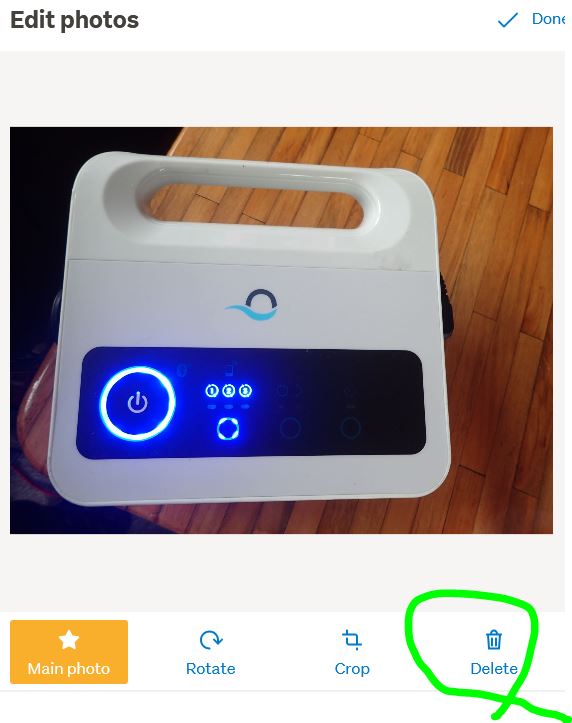 0
0 -
 S Community Superuser
Kia Ora jimwhr,
Select Edit on your Listing > select the Photos page at the Top > click on each photo, one at a time, this brings up the Edit photo's modal > scroll to the bottom for the Delete bin, as below...
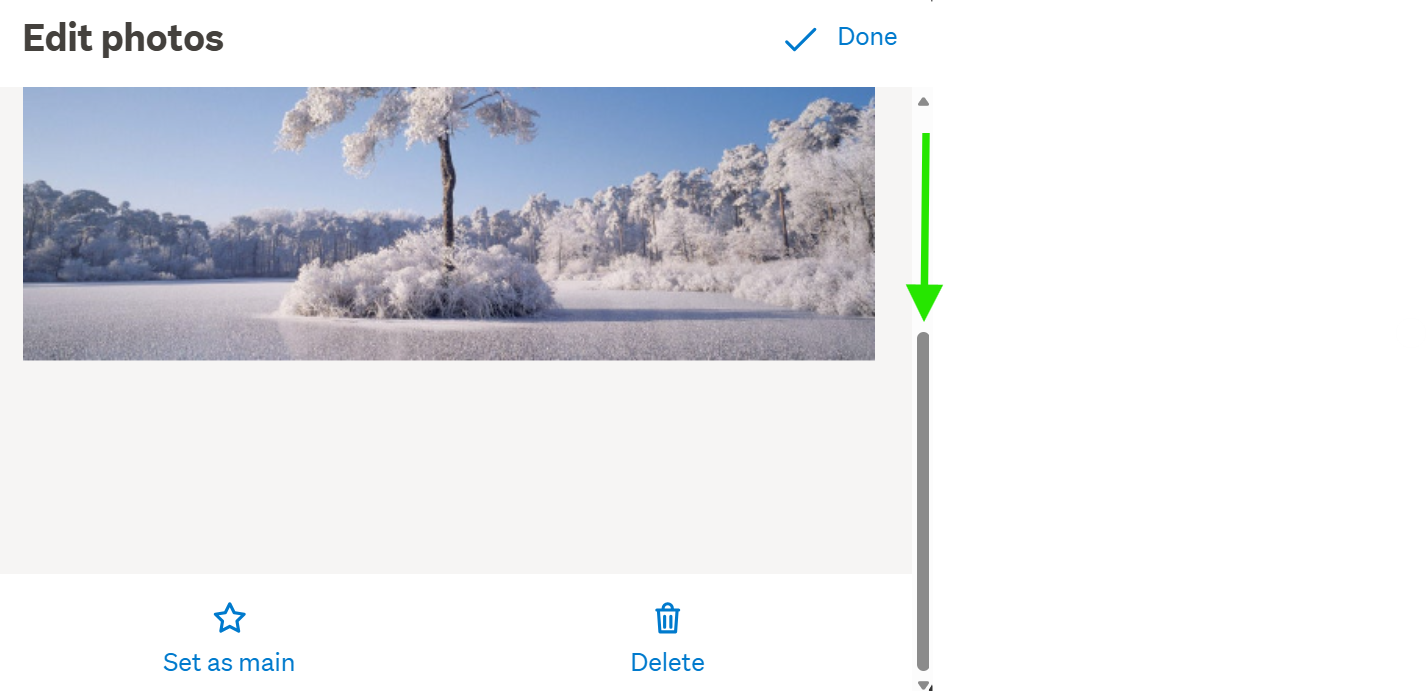
OR
On the Desktop site select My TradeMe Top Right of screen, your landing page is Account Details > scroll down the screen to the Update my details section - the My Photos link is at the very bottom of the list > You will then get the options to Delete the photos you don't require as in the example below...
Example:
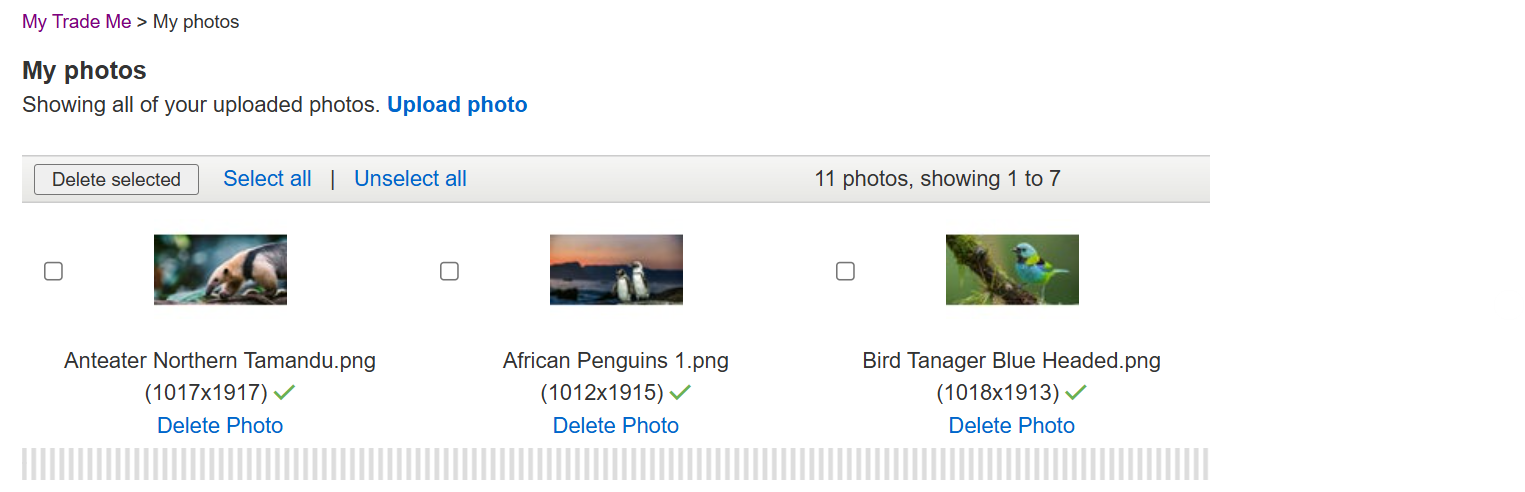
- Cheers.
0
2 comments
Date
Votes