After Ive sold a listing and I click on the SOLD ITEMS, Trademe takes me to the old SOLD ITEMS, and NOTHING is displayed
Answered
I cant get into my sold items and only states 0 items sold....................................................
-
 S Community SuperuserEdited
Kia Ora para43,
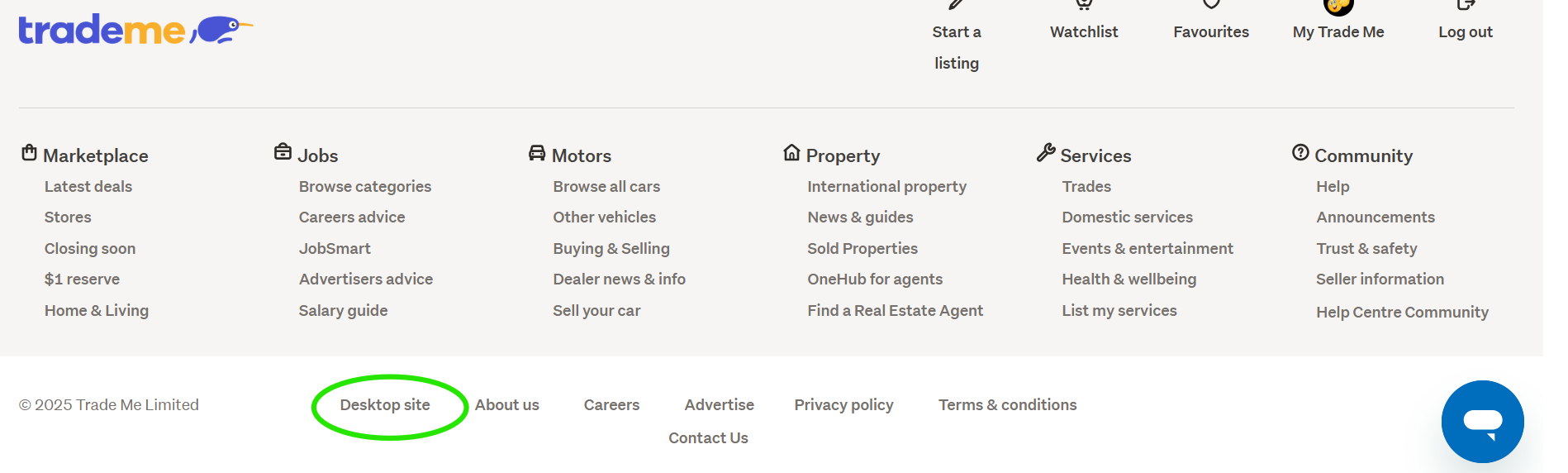
If you go to the bottom of your page and select the word Mobile your items should appear for you. - Go back to the bottom of the page & select the words Desktop site to restore the page back. - Some categories have started to be moved through to the New system, these can only be viewed through the New Look site. - Cheers.
Example:

 1
1 -
S Community Superuser - is the mobile option only on the phone? as we can not see it on neither phone nor desk/lap top- can see desktop *option- then- & if we can use the Trade Me on our phones then, that is the app?
Thank you1 -
S Community Superuser
Kia Ora 861ducky,
The mobile option in the first example is on the original old Desktop site, it links through to the New Look Desktop site. - As you can't see the Mobile square box at the Bottom of the page this means you're already viewing the New Look Desktop site on your desk/laptop's. - You can access the Desktop site through your Mobile phone Browser, the App is a separate download, not necessarily required if you prefer to go through the phone's Browser. - The iOS App is downloaded through the App store for iPhone & the Android App is downloaded from the Google Play store. - Cheers.
1 -
Thank you - it is so confusing - so thanks for bearing with us - S Community Superuser
So- we don't have to up/down load any apps on the phone to keep up with the*new system?Trades having gone missing- like vanished - A friend told us - that they had a sale - but No trace of the sale in Solds? only evidence was Ping - what's going on? (they said they tried the chat- but couldn't get any joy - so had to wait for TM support to get back - in 3 days )
1 -
S Community SuperuserEdited
Thanks 861ducky,
Am happy to help,
There are the 4 different sites currently, part of the upgrades is to consolidate the look and feel between the Apps & the New Look site so they run simultaneously as one. - No you don't need to download any Apps to keep up to date with the New System.
The only form of direct contact with the company is through the Chat Bot, our requests are placed in a queue which can take 1 - 3 days for a staff member to respond, it's pretty busy in office currently so it pays to look through the community Help pages and ask questions here as any issues may already have been reported and an answer or temporary workaround provided.
Different categories are gradually being moved across to the new site to bring them all through the one same system. - The original platform was built as a one-person operation and with the tools available at the time without the foresight of how large the company would & has expanded it's become outdated to continue adding new modern technology to and at the fast pace it's moving. - The New system is built with the expansion capability into the future. - Sold items is a current focal point for the company on the New site and new features are being added continually.
You can read further on the upgrades through the Help file below...
0

5 comments
Date
Votes