Suggestion: Clear all pictures button for Sell Similiar

Hi team
One for the suggestion box - unless it's already in the queue - would be a button on the Pictures tab to remove all of the existing pictures, particularly when creating a new listing using Sell Similar. Currently, it's necessary to select and delete each picture individually. Or at least it is for me on the website using Firefox on Windows 11. Not a major issue or anything, but it's just a little inconvenient when there are a lot of pictures to work through.
Thanks
-
 flossy63 Community Superuser
Have you tried using my products, everything is on one page when creating a listing and you have the option to delete all photos on your template or just some individually,
as you can just duplicate a listing template and edit what you need to for a new product,
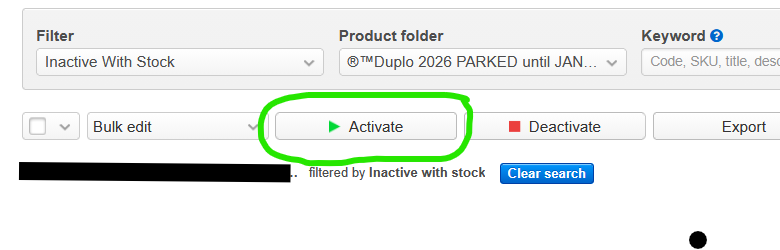
There are so many advantages of using My Products than listing on the actual site, you can set up auctions in advance and just have them parked up / inactive, then just activate them when you want to list them and set your closing times, so not rushing to put listings up at a certain time, you just select and activate the ones you have created parked up ready to go,
I often do all my photos and then set them up in evenings when I am away on holiday, so ready to go when I get home,
 2
2
1 comment
Date
Votes