Post wont relist
Confirmed bug
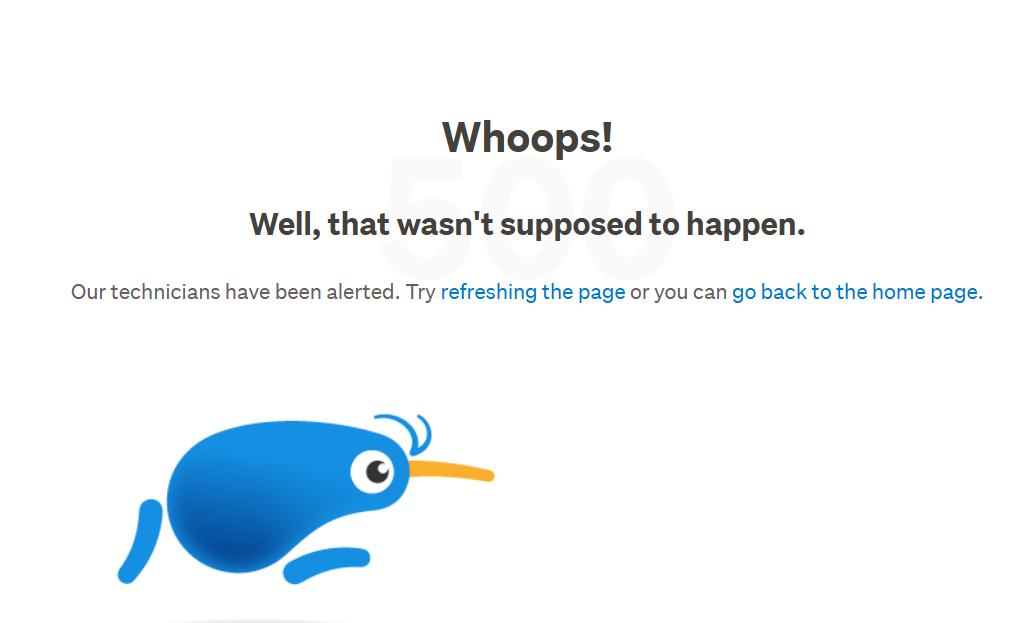
Hey, wondering if anyone can help, i have never had this before. So the item didnt sell and i put it out for offer, then offer expired. So i wanted to re-list and pressed the re-list from the email received. Then it didnt relist. If i go to items un-sold it in there and has a relisted on the top (which it it has not) - if i press on the re-listed it takes me to (this item did not sell and has been re-listed, view the relisted item) then when i view it says (Woops well that wasnt supposed to happen) and i just keep going around in circles. Im hoping i dont have to create a whole new post gahhhh as it was quite detailed. Can anyone help?
-
 Callum Community Superuser
Hello Astrid. Can you confirm if your item has relisted now? Sometimes these things can take a while to become live after listing them.
0 -
It's instant on eBay.
3 -
Don't think you're up to speed Callum. Relisting is a problem. Having to rewrite a detailed listing and add photos is a time wasting hassle that we should not have to do. Even when it does relist it is still not a fast or efficient task like it used to be on the old website. Now we have to check to ensure it does actually relist. Don't understand why Christian names are no longer available when checking feedback. Why the secrecy?
2 -
Callum Community Superuser
James. This question was posted in the My Products and other listing tools category. I assumed that is where Astrid's problem was. Within My Products, relisting can take a little while before coming live.
The issues with relisting on the new look, the standard way, are well known. Both to me and probably anyone else unfortunate enough to be forced onto that system.
I see what you mean about the name. I suspect this is a bug. As usual if you hit Desktop at the bottom right, it will revert to the normal way.
0 -
Hey James and Callum, no it didnt relist, i waited the whole day and nothing, just the WOOPS message. So i just had to copy and paste and relist again. Lucky it was only 1 item - thanks for checking in :)
2 -
Im having the same problem and when i did finally get a relist to relist after many attempts it still doesnt come up as relisted in unsold items, and im told i have 34 live listings when i only have 31, .... I agree with you James - the old site was much more efficient and easy to use,
0 -
 Michelle
Trade Me staff - Community team
Kia ora Matt and Astrid, sorry for the hassle, there is currently a bug where some listings are unable to be relisted. The team are looking into it. In the mean time the work around is to create a new listing. If you have a number of listings that are unable to be relisted I'd recommend having a look at My Products, it's free and can manage relists for you, it's also unaffected by the changes to he site. There's lots of help available here on Community if you need it.
0 -
Can't relist anything!! Why has this not been sorted!! It's ridiculous
0


8 comments
Date
Votes