Rotating photos
Answered
How do you rotate a photo within a listing please?
-
 Gary-NZStocked Community Superuser
If you are selling, you can rotate the image while listing by clicking on the image after you have uploaded it and still on the Photos tab.
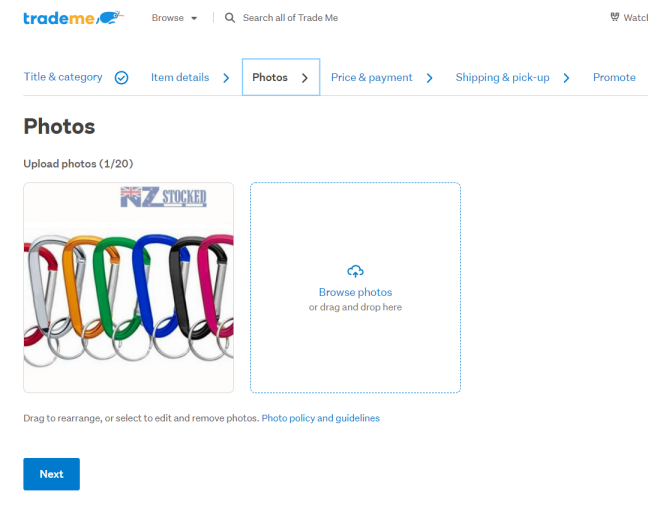
After you click on the image it opens a new modal.
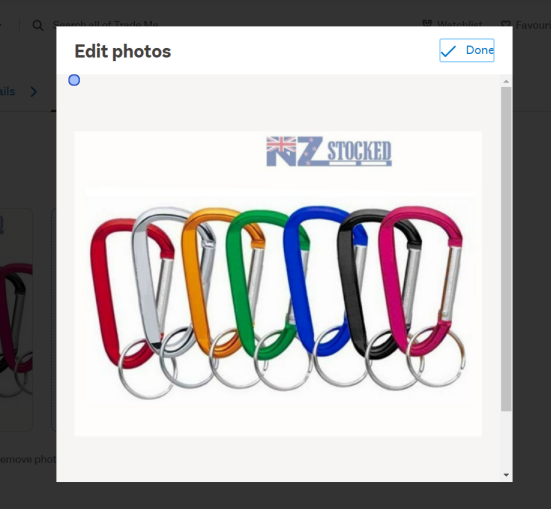
If you can't see the edit tools like in pic above, scroll down so you see the editing tools, including Rotate, like this.
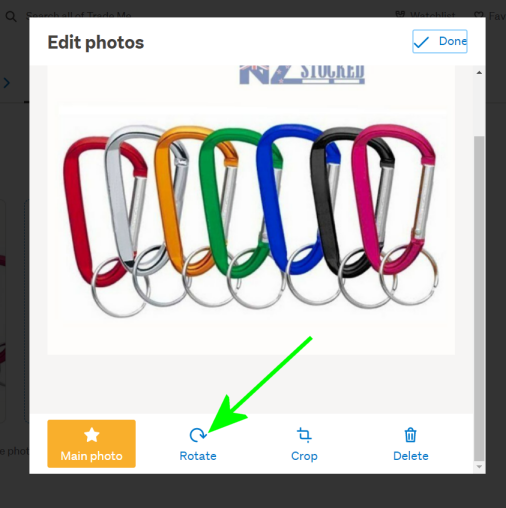
Do the editing you need, then click on Done to save changes.
0
1 comment
Date
Votes