Can't re-list or start a new motorcyle listing
Answered
When trying to relist an unsold motorcycle, I just end up at a blank screen, nothing else. The same happens regardless if I use the website with Chrome or Firefox, or Android App. I even tried to just start a new listing, then I get the same blank page.
-
 S Community Superuser
Kia Ora Deon,
How long ago did the Listing close?
Relisting a Motorcycle is available for auction, Buy Now, and classified listings – within 45 days of closing. Beyond the 45 days you do have to start a New Listing. - This must be done through the Desktop site, the Apps don't have the ability to do this yet.
If your Listing is within the first 45 days open the closed Listing itself, you may have the Relist option there.
Clearing your Desktop Device cookies & cache may overcome the blank screen issue for you However if it doesn't follow the steps from Gary in the Post below which works for motorcycle Listings also - Cheers.
Unable to list item. Very frustrating – Help - Trade Me
0 -
The listing closed this morning so definitely not past the 45 days. After a few clicks around and getting the blank screen, it suddenly popped up with my listing and I could re-list.
However, trying to add a new motorcycle still brings up the blank screen.
0 -
S Community Superuser
Thanks Deon,
Great your Relist function appeared for you,
It sounds like the system from closing the original Listing this morning may have had a lag time before processing the re-list function on the Listing for you. - There have been several reports of a slow system at times currently & I have experienced this also.
For the New Listing did you try using Gary's method through the Link above?
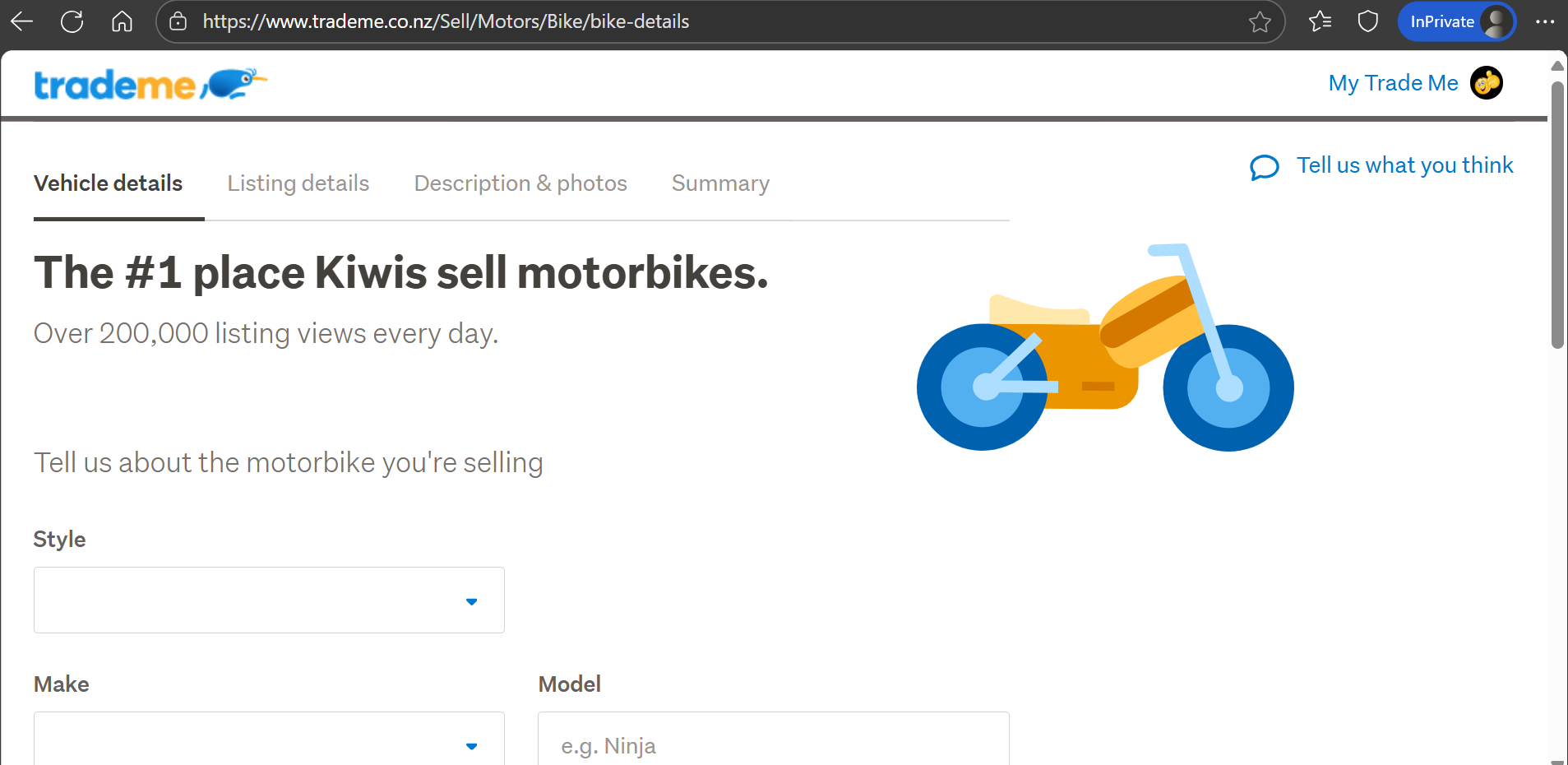
I am on the Desktop site, Edge Browser, Windows 11 & have just trialed Listing a Motorbike for you - there is a definite lag time waiting in that Blank screen before it suddenly came through with the correct page for me to enter the Motorbike details.
The links below are to the direct Link to start entering the Motorbike details...
https://www.trademe.co.nz/Sell/Motors/Bike/bike-details
If none of the above gets you through to the page & you've cleared your device cookies & cache, ensure your Browser is running the Latest up to date version. - You could try through the MS Edge Browser like me Otherwise you may have to report this directly to a staff member through their Live Chat feature, entering Talk to person in the Chat window to Bypass the Bot, transferring to the staff line.
Contact our Support Experience team – Help - Trade Me
Example:
 0
0
3 comments
Date
Votes