Missing listing on mobile but present on PC
Answered
As it says...I've logged in and out on both devices, yet (since site IT upgrade) the mobile does not show my listing. Any ideas - Oh and what is the best way to reach a human for help - ghatbot was rubbish. cheers
-
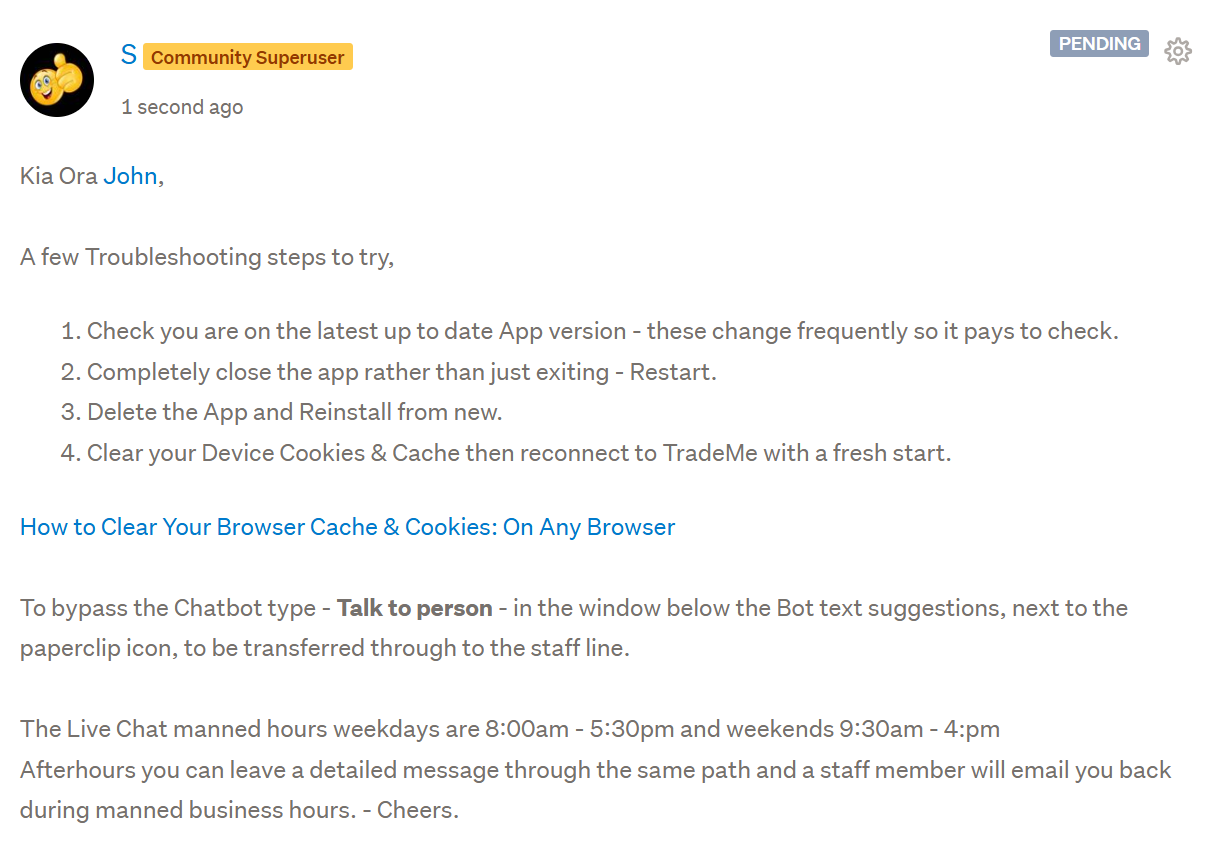
 S Community SuperuserEditedKia Ora John,A few Troubleshooting steps to try,
- Check you are on the latest up to date App version - these change frequently so it pays to check.
- Completely close the app rather than just exiting - Restart.
- Delete the App and Reinstall from new.
- Clear your Device Cookies & Cache then reconnect to TradeMe with a fresh start.
To bypass the Chatbot type - Talk to person - in the window below the Bot text suggestions, next to the paperclip icon, to be transferred through to the staff line.The Live Chat manned hours weekdays are 8:00am - 5:30pm and weekends 9:30am - 4:pmAfterhours you can leave a detailed message through the same path and a staff member will email you back during manned business hours. - Cheers.0 -
S Community Superuser
Kia Ora John,
My Comment for you has gone into Pending Status awaiting a TradeMe staff member to clear - Meantime this is how it reads for you - Cheers.
 0
0
2 comments
Date
Votes