Property video not embedding in listing body?

I've just listed a property and am wondering how the video embeds work.
On my phone it shows as the second 'photo' of the listing.
On my laptop it disappears from the photos and can only be located by a small link that says 'video' - very easy to miss.
But other listings seem to have the video as a link (laptop) or 'photo' (phone) AND have the video embedded, ready to watch, in the body of the listing itself.
What can I do to make mine embed like that too?
-
 S Community Superuser
Kia Ora Rebecca,
Have you read through the Help file Videos and 3D tours on listings – Help - Trade Me
That may hold a clue for you - Cheers.
0 -
Thanks but it doesn't!
My video has followed all those instructions but still no embed :/
0 -
S Community SuperuserEdited
Is yours a You Tube video or a 3D tour?
If You Tube did you...
- use the Embed Tab - copy & paste into your description
- or use the Embed Tab - copy & paste into the You Tube Video - Add video grey Tab
- or copy & paste your URL into the You Tube Video - Add video grey Tab
This is the URL ...
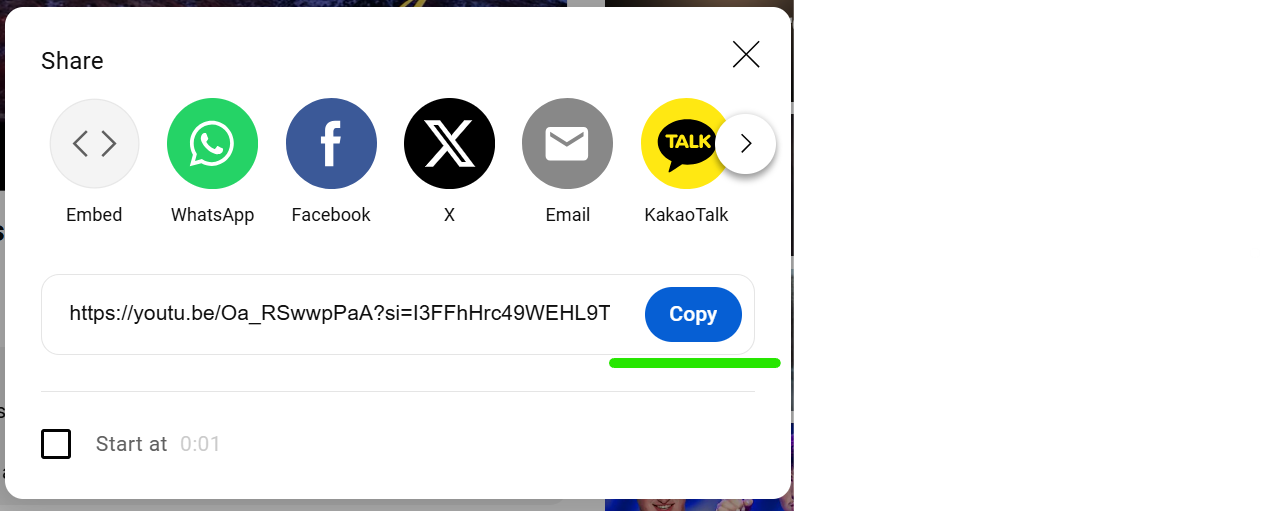
If you select the Embed at the Top Left of this box above you get the Embed like pic below...
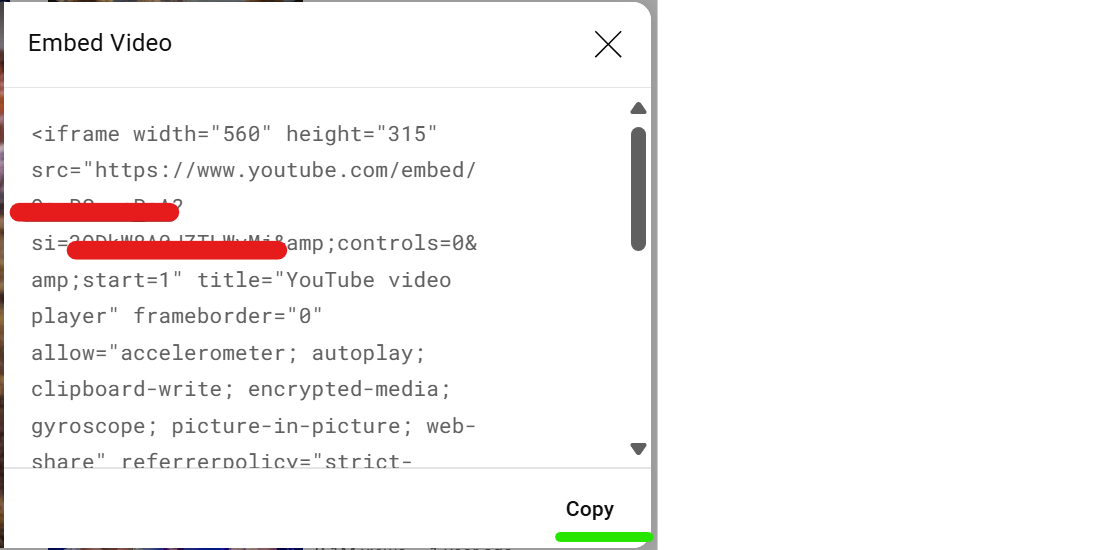
I'm not up to the play with the 3D Tour programs - if you used one of these instead another Member may have valuable info' to share with you - Equally another Member may be able to add value for you with the You Tube process - Cheers.
0 -
It's a Youtube Video.
I originally added the url to the box.
But now at your suggestion I also added the embed code to the description... but when I updated the listing all it showed was the code. Stymied!0 -
S Community SuperuserKia Ora Rebecca,I think you're best to contact TradeMe staff through "Live Chat" for assistance, there are many account policies between You Tube, Google & TradeMe to comply with, TradeMe staff will be able to point you in the right direction in so far as what that may look like, what Features of You Tube are compatible as opposed to the 3D tour Features and how to proceed - If you select the Contact us Link at the very bottom of any TradeMe page the Chat Tab will Pop up in blue at the bottom right of your landing page screen.
Enter in the Chat bot which comes up once the Chat icon is selected - person - and you will be taken to entering your details before arriving at the window to Chat with a Real Person/Staff.
The Live Chat manned hours weekdays are 9:30:am - 5:00pm and weekends 9:30am - 4:pmAll the Best - Cheers.0
5 comments
Date
Votes